
Can LLMs generate audio using only text?
6 min read
A few days ago while browsing X, I saw a post from @maxxrubin_. Astra was able to recognize sounds from mel spectrogram images without any examples, using just a bit of reasoning.
So Astra is able to identify sounds from mel spectrograms
— Max (@maxxrubin_) September 7, 2026
zero-shot.
I don't think we've scratched the surface of what this model can do (and this is light reasoning btw) pic.twitter.com/eYQecO55sD
Basically, it used the vision capability of the LLM to "read" an image of sound. I really like when people discover creative use cases like this. It made me remember when people prompted GPT-3 to think step-by-step before answering, back when dedicated reasoning models were not available yet.
Then, I found another reply by @AdamHoltererer. In this case, they asked GPT-6 to generate an SVG spectrogram of the nursery rhyme "Mary Had a Little Lamb". So apparently, the reverse process was also possible.
Not only can GPT-6 hear, it can talk!
— Adam Holter (@AdamHoltererer) September 7, 2026
It created a spectrogram in SVG of "Mary Had a Little Lamb" https://t.co/sIz9Ot9xEy pic.twitter.com/8t8LmOmA9h
This gave me an idea to test this with pure text: Can an LLM write a text representation that we can convert into real sound?
I did the test. Some results actually sounded like human speech. One of them just sounded like three farts.
Text as sound
Using pure text has an advantage: it allows testing models that do not have native audio generation features.
My first idea was to use a domain-specific language (DSL)—a small, custom language designed only to describe sound.
So I asked GPT-6-Astra (with low reasoning effort) to write a first draft of the format, using time and frequency curves. The first version was good, but it focused too much on being compatible with SVG. This probably happened because I shared the second tweet during our discussion, so it was my fault.
After iterating and discussing several times, we created SPL, which means SPectraL.
SPL in 30 seconds
SPL describes audio by defining structures across time and frequency. The model writes values for curves, harmonic frequencies, noise bands, and percussive hits. The audio engine handles phase calculation and synthesizes the final waveform deterministically (the output is always identical). The model does not need to output raw audio samples or FFT complex numbers, and there are no instrument presets.
Every file starts with a header:
spl 2 RATE DURATION SEEDFor example, spl 2 24000 1.5 0 means a sampling rate of 24 kHz, duration of 1.5 seconds, and seed 0. After that, there are four block types, each closing with end:
track: a single frequency curve, defined by rows ofTIME FREQUENCY GAINharmonics: a pitch curve combined with a spectral envelope, usingspectrumfollowed bycurvenoise: a moving frequency region, written asTIME LOW HIGH GAIN SLOPErowshit: short percussive attacks, one event per row
A minimal example:
spl 2 24000 0.5 0


track
0 440 0
0.02 440 0.3
0.4 440 0.3
0.5 440 0
end
The full authoring guide, exact syntax, and rendering formulas are documented in the SPL specification. The idea is simple: provide the guide to the model and ask it to write an SPL file in zero-shot. Then, the application validates and renders the file.
From spec to sound
To verify if SPL could actually produce the sounds I wanted, I developed an interpreter using Go, with help from Muse-spark-1.3.
I selected Go because it is easy to compile the exact same codebase to WebAssembly (WASM) to run directly on the client side. The engine parses the code, checks for syntax errors, renders float64 audio samples, and generates a spectrogram image. It also exports standard WAV and PNG files.
After that, I built a simple web UI with a text editor, sample files, and an interactive audio player showing the spectrogram. Everything works 100% locally inside the browser. You don't need to upload anything to a server or install software, which in my opinion is the best way for web tools.
I asked Muse-spark-1.3 to generate some audio presets for testing, and the output was quite good. We confirmed that the DSL can produce sound. But the real question was: could an LLM actually speak with it?
The experiment
I tested multiple LLM models. I provided the specification document and the exact same prompt to each model, and then rendered the output audio:
Using the attached DSL specification, generate an SPL file representing what your voice would sound like saying, "Hello, dear human!"
Results
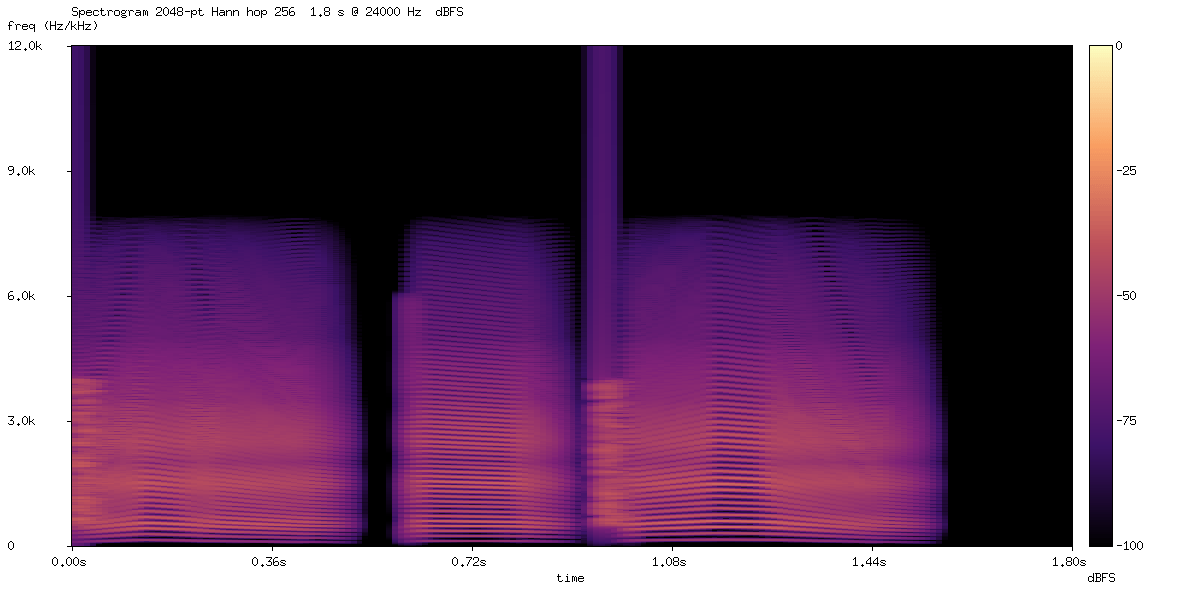
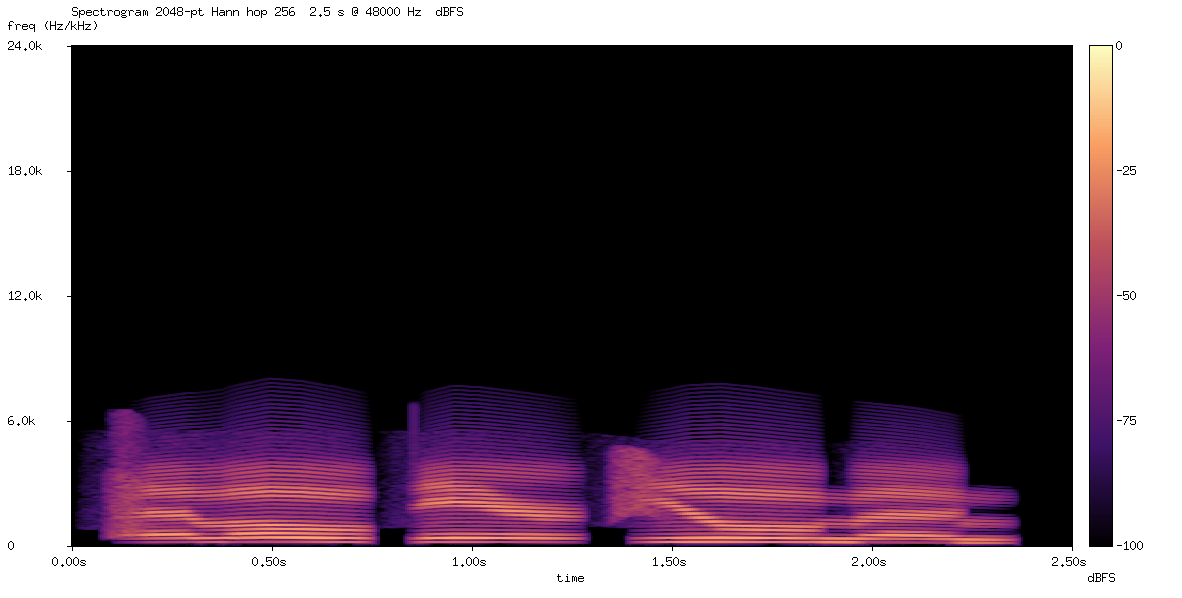
I organized the outputs into three categories: Meh, Interesting, and Wow. In each section, you can read my notes and play the audio files. You can also open the details to inspect the spectrogram and check the original SPL source code. You can test and listen yourself—keep in mind that knowing the target sentence in advance makes it much easier to understand.
Meh
This is strange. Maybe it is just my impression, but it sounds like words from another language.
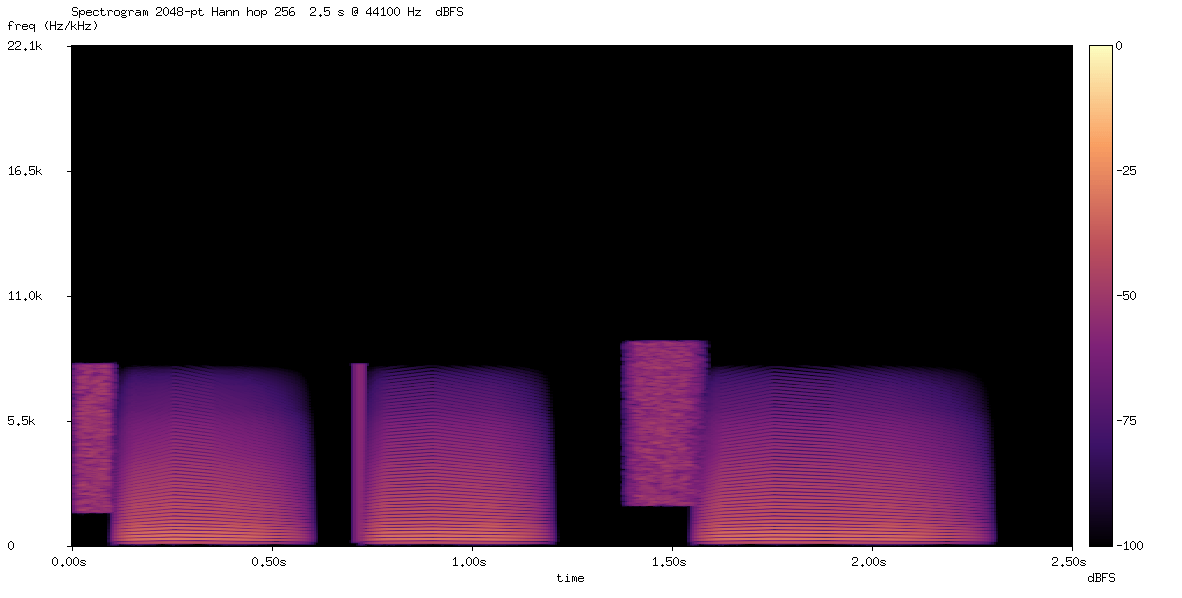
I hear clearly "Call me Bob". It is not the phrase I requested, but now I cannot unhear it.
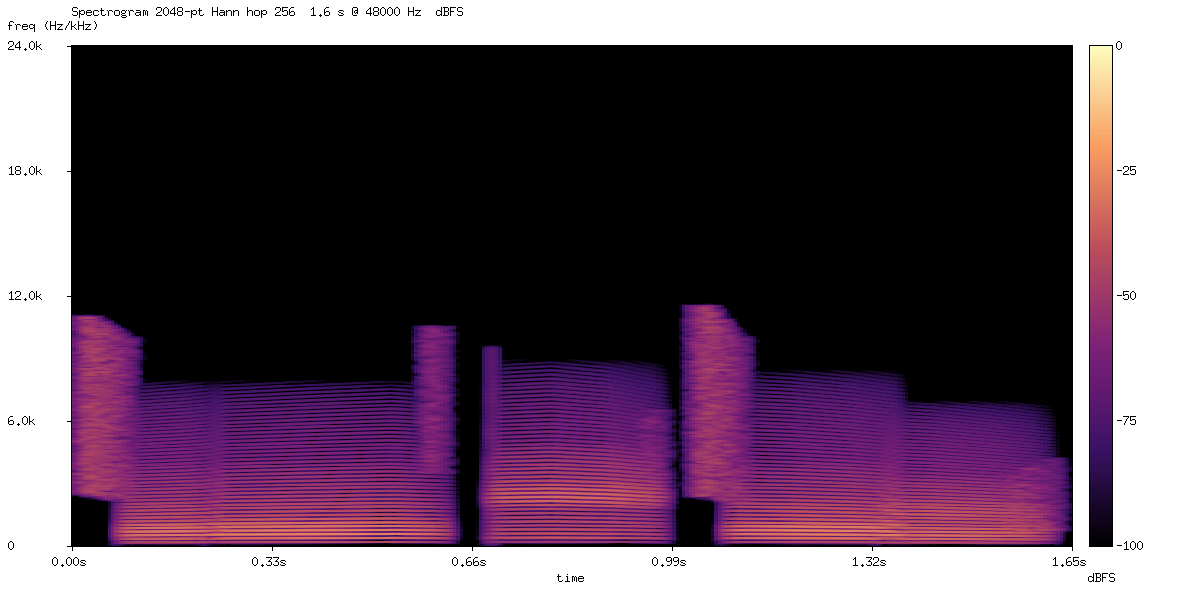
Very similar to the high-effort attempt, but here it is impossible to understand the words.
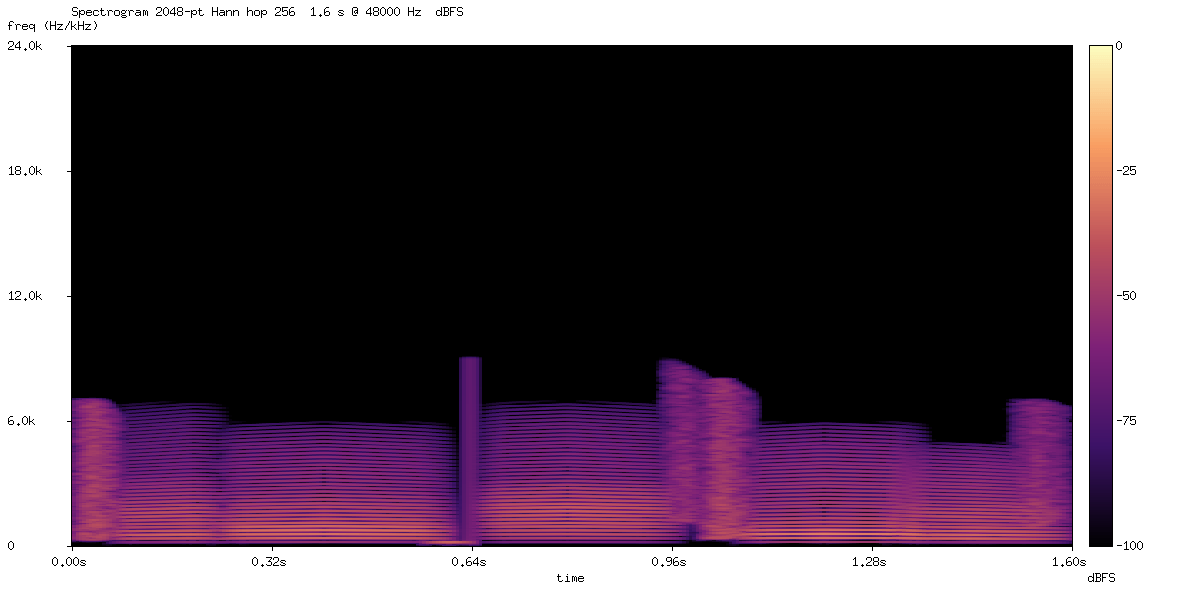
This literally sounds like three farts.
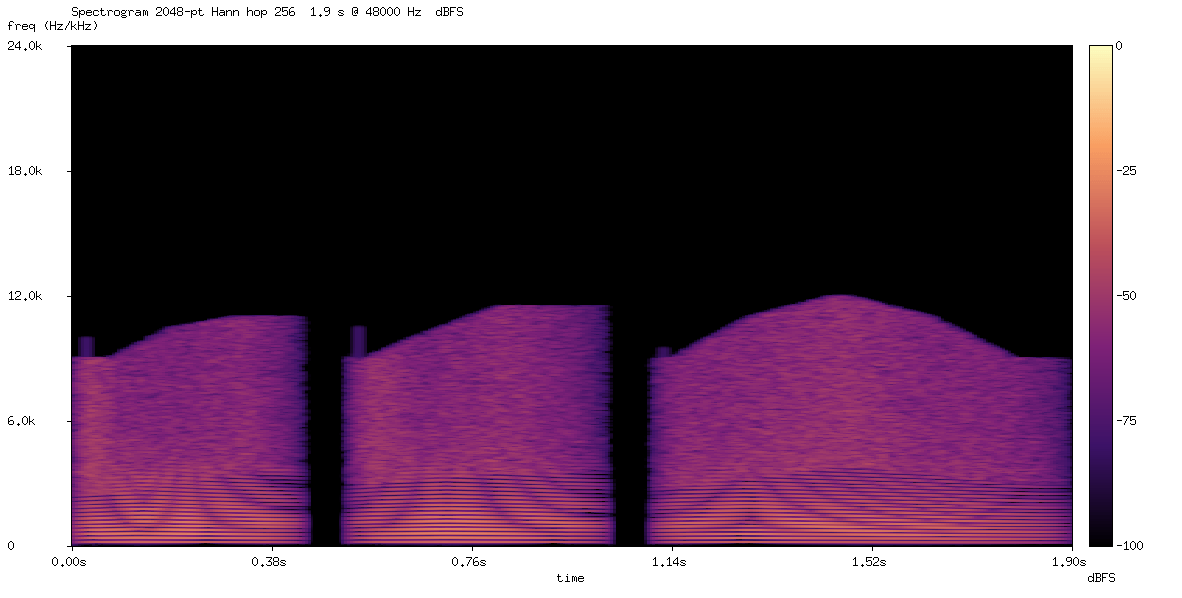
It has some rhythm of human words, but nothing clear that I can identify.
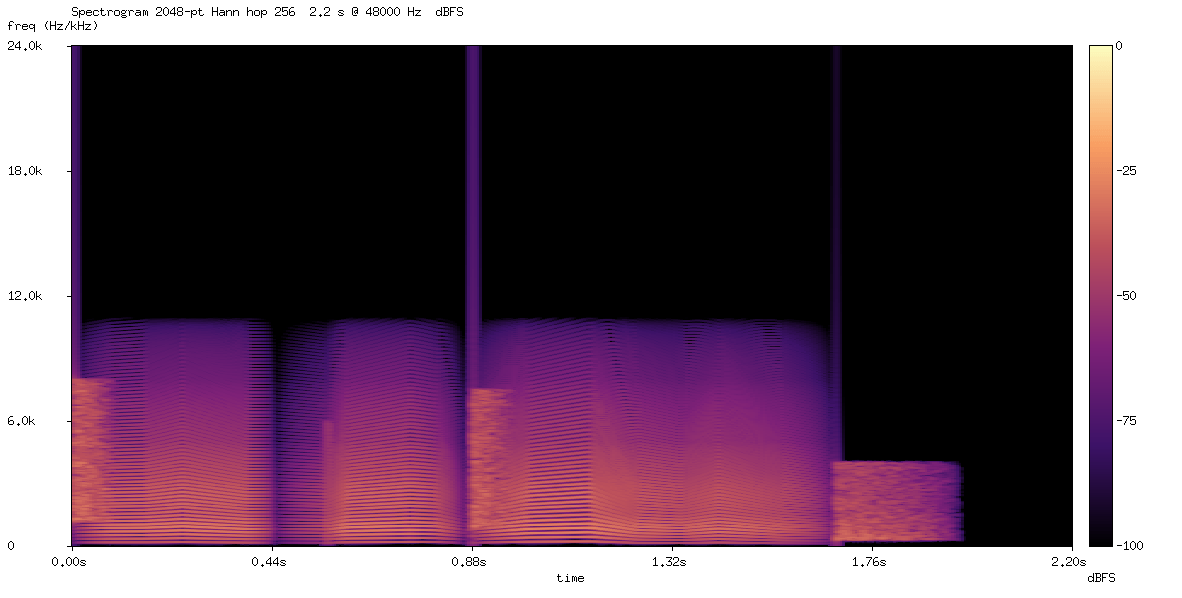
Honestly, I had higher expectations. This makes me wonder how much standard benchmark scores really tell us about performance on this kind of task.
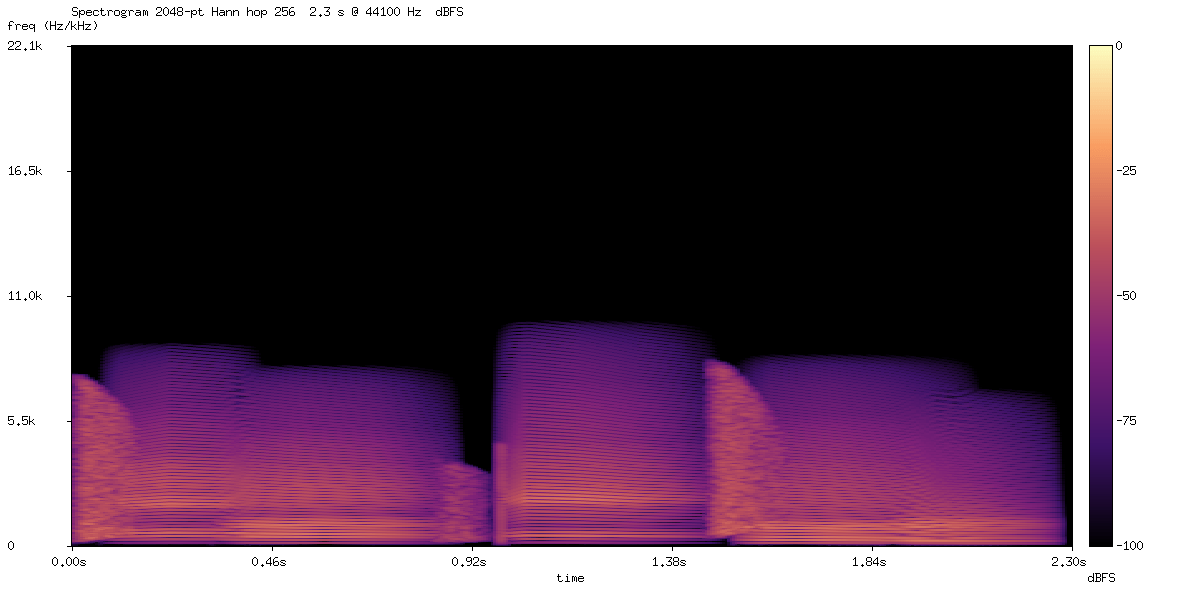
Interesting
The spectrogram shows much more structure. It sounds like an attempt at a synthetic human voice. The word "Hello" is quite clear, although the rest is hard to understand.
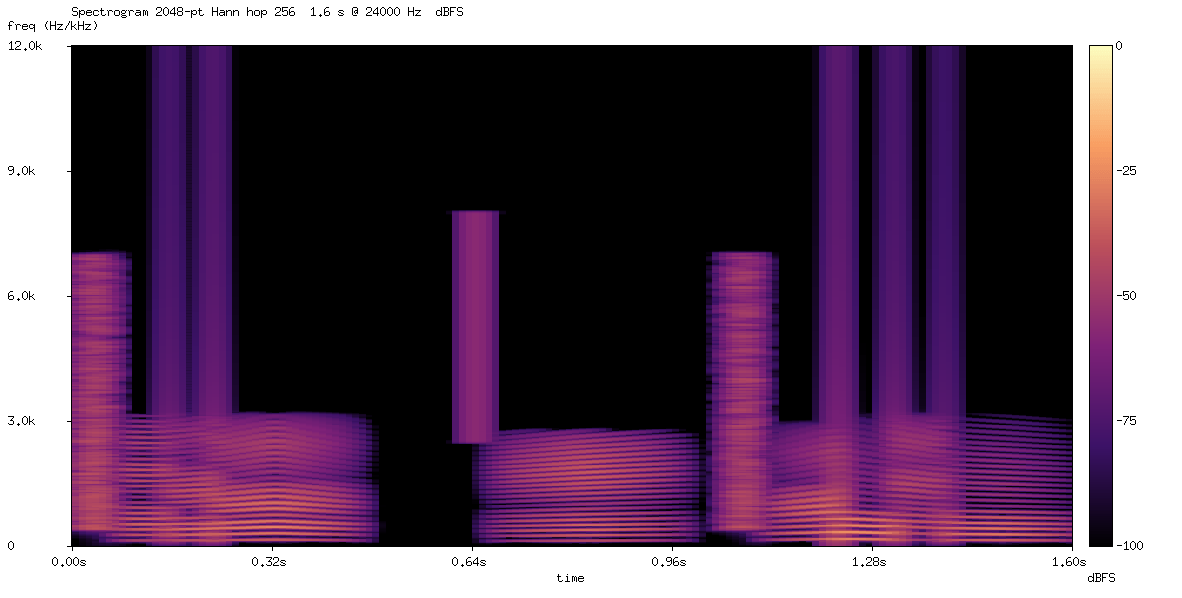
Similar to the max-effort version, "Hello" is easy to distinguish.
Wow
I can understand "Hello, dear human" perfectly. Wow!
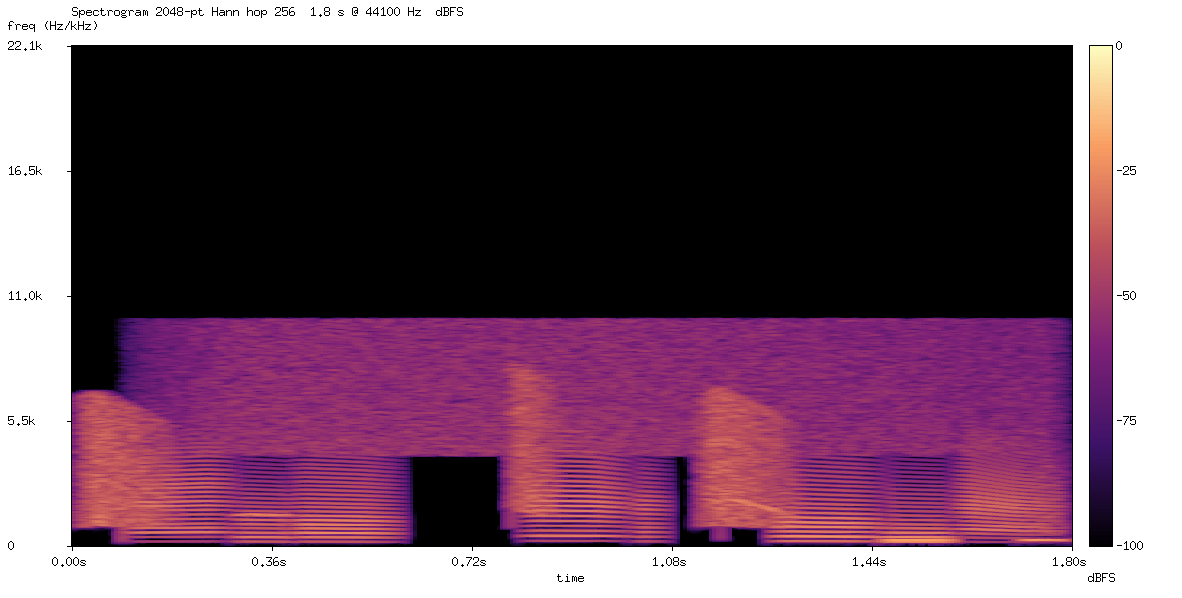
The pitch is quite high, but the sentence is totally intelligible.
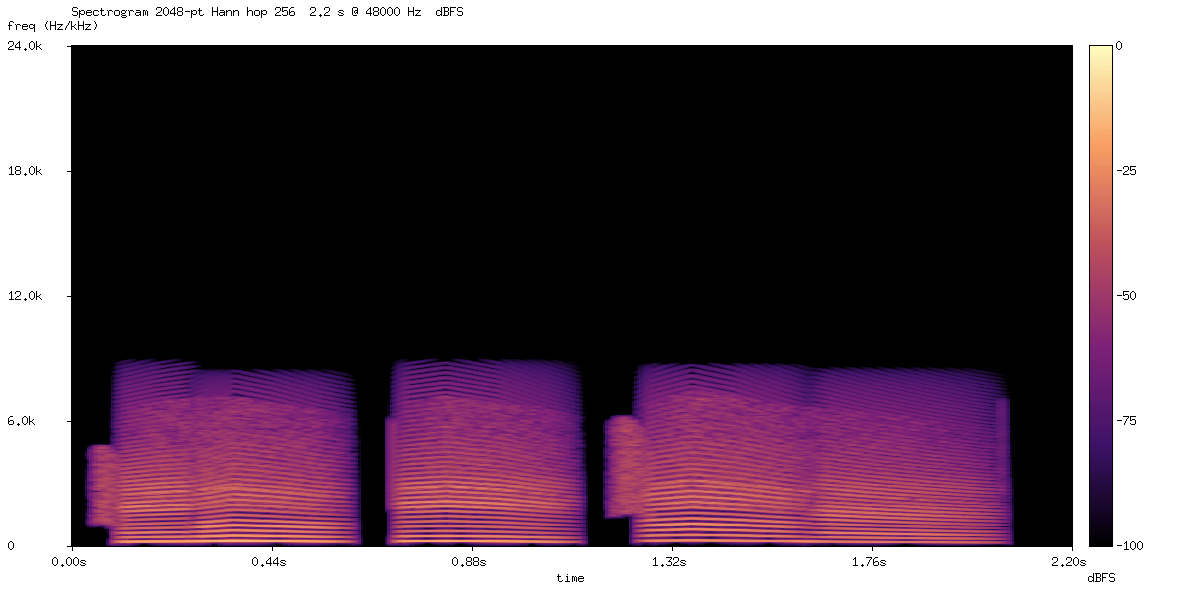
Amazing result. For me, it clearly pronounces the phrase with no doubt.
What's next
All the resources—the specification document, the Go/WASM engine, and the SPL examples—are available in the SPL repository. You can open any result in the web playground, edit some values, and see how the sound changes.
For future tests, I want to try longer sentences and different types of voices. It would be interesting to use this as an evaluation benchmark, but we need more tests first. I also want to see if listeners can understand the spoken sentence without knowing the prompt beforehand.
Overall, I am very surprised that text-only models can synthesize intelligible speech like this. I simply gave them a documentation file, and some models managed to say "Hello, dear human!".
And well, one model generated three farts. But technically, that is also audio.